How Can I Create My Own Stickers For Personal Use Or Selling?
TLDR
You can create your own stickers by designing original artwork, choosing a production method, picking the right sticker material and testing the final result before you use or sell it.
For personal use, a basic design app, printable vinyl and scissors may be enough. For selling, you’ll usually want cleaner artwork, consistent sizing, durable materials, good product photos and a simple shipping plan.
Etsy is a good place to start selling stickers because buyers already search there. You can also build a Shopify or Squarespace site once you have repeat customers and a clear brand.
Start With A Sticker Idea You Can Actually Print
The fun part of making stickers is that almost anything can become one: a doodle, pet portrait, funny phrase, logo, planner icon or tiny piece of art you want to stick on your laptop.
The practical part is making sure the design can print cleanly, cut cleanly and survive real use. That is the difference between a cute idea and a sticker people want to buy again.
If your goal is personal use, you can keep things simple. Make something for your journal, water bottle, laptop or party favor. But if you want to create my own stickers for selling, think like a tiny product designer from the start. Your sticker should have a clear shape, strong contrast and a style that makes sense as a physical object.
A good sticker design usually has:
- A clear main subject
- A simple outline or border
- Strong contrast between the artwork and background
- Minimal tiny details
- A size that works in real life, often 2 to 4 inches
- Original art, lettering or design elements
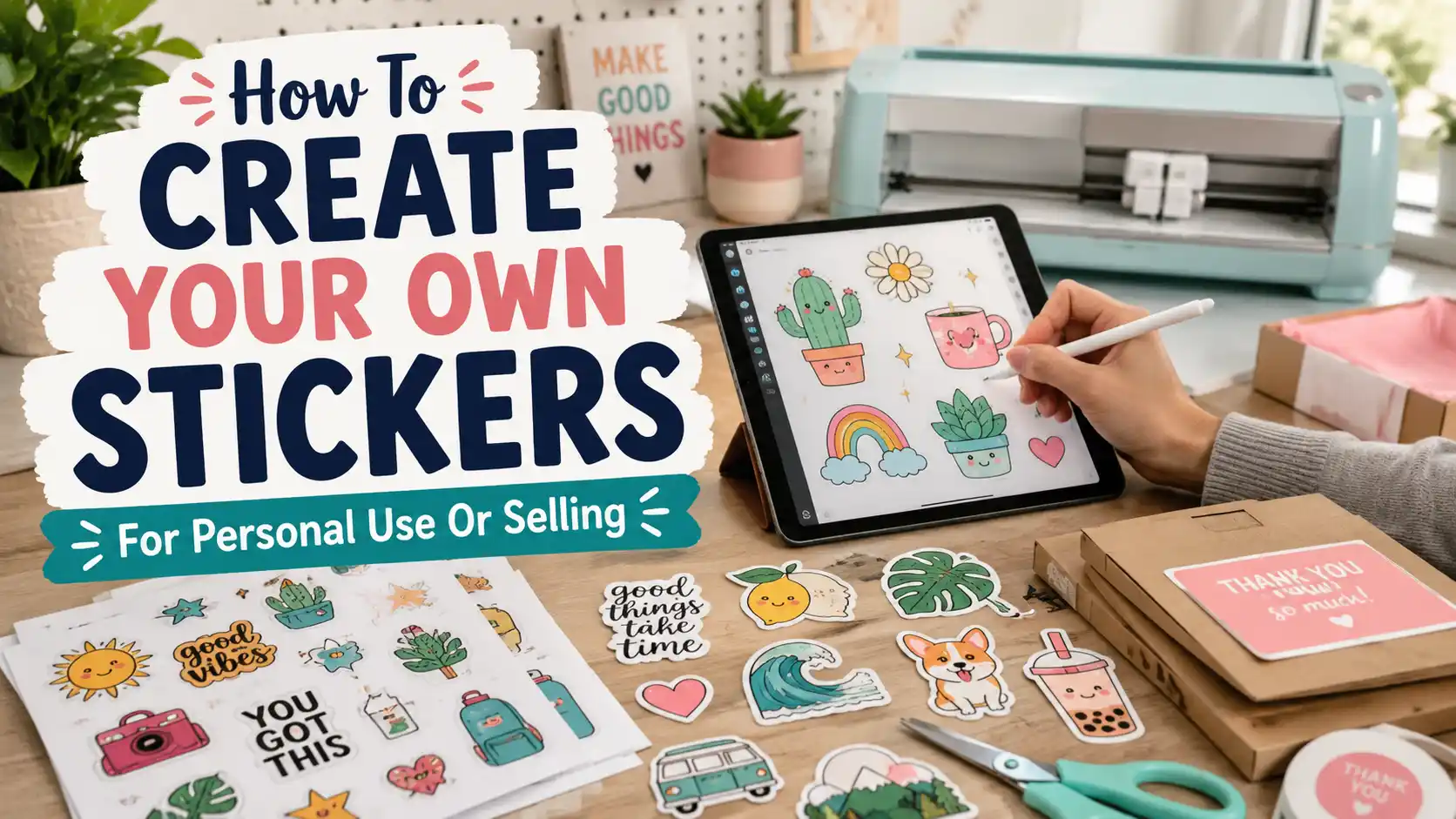
For beginners, Canva is a good place to make simple text stickers, quote stickers and shape-based designs. Procreate is better for hand-drawn art on an iPad. Adobe Illustrator is the stronger choice for vector artwork, logos and designs that need sharp edges at different sizes.
You can also sketch on paper, scan the drawing and clean it up digitally. That can give your stickers a more personal style. It does take more cleanup, but it can help your shop avoid looking like every template-based sticker page online.
One important note for selling: use original work. Do not sell stickers with Disney, Nintendo, sports team logos, movie quotes, celebrity images or other protected characters unless you have permission. Fan art may feel common online, but “other people are doing it” is not a business plan. Original designs are safer and easier to build into a brand.
Choose The Best Way To Make Your Stickers
There are three main ways to create stickers: make them at home, use print-on-demand or order from a professional sticker printer. None of these is the “right” answer for everyone. They solve different problems.
| Method | Best For | Main Benefit | Main Tradeoff |
|---|---|---|---|
| DIY At Home | Personal use, testing ideas, small Etsy batches | More control and higher margin | More labor, more mistakes and more equipment |
| Print-On-Demand | Testing designs without inventory | No printer, cutter or shipping setup | Lower profit and less control |
| Professional Printing | Selling polished stickers in batches | Better durability and consistency | Higher upfront cost |
DIY At Home
DIY is the most hands-on option. You design the sticker, print it, laminate it, cut it, pack it and ship it.
A basic home setup usually includes:
- An inkjet printer from Epson or Canon
- Printable vinyl or sticker paper
- A clear laminate sheet for water resistance
- A cutting machine like Cricut or Silhouette
- A paper trimmer, scissors and packaging supplies
You do not need every tool on day one. For personal stickers, you can print a sheet and cut the designs by hand. For selling, a Cricut or Silhouette machine helps with cleaner kiss-cut and die-cut stickers.
Kiss-cut stickers are cut through the sticker layer but not the backing paper. They are easy to peel and work well for sticker sheets. Die-cut stickers are cut all the way through the sticker and backing, so the whole piece follows the custom shape. Die-cut singles often feel more polished for selling.
DIY works best when you like making things by hand and you can handle some trial and error. Printers shift colors. Cut lines miss by a tiny amount. Laminate gets bubbles. This is normal. Build testing time into your process.
Print-On-Demand
Print-on-demand is the easiest way to test sticker ideas without buying equipment. You upload your artwork to a service like Printify or Redbubble, connect it to a selling platform and the service prints and ships the order when someone buys.
This is simple, but the profit per sticker is usually lower. You also have less control over packaging, insert cards, material choice and shipping experience.
Print-on-demand is best when you want to test which designs sell before investing in inventory. It is also useful for artists who would rather spend time drawing than cutting sticker sheets late at night under questionable lighting.
Professional Sticker Printing
Professional printing is the best option when you want consistent quality and a more retail-ready product. Companies like YouStickers, Sticker Mule and StickerGiant offer custom stickers in different materials, shapes, sizes and finishes.
This route costs more upfront because you usually order in batches. But the stickers tend to be more durable, more consistent and easier to package. Professional printers also handle the hard parts: color output, cutting, lamination and material selection.
For a small shop, a smart approach is to test designs at home or through print-on-demand, then order your winners in bulk once you know what sells.
Pick The Right Sticker Material
Sticker material matters more than most beginners think. A beautiful design on the wrong material can still disappoint people.
For personal use in a planner or notebook, regular sticker paper may be fine. It is cheaper and easy to print. But paper stickers are not a great choice for water bottles, laptops, helmets, cars or anything that gets handled often.
For selling, printable vinyl or professionally printed laminated material is usually a better choice. Vinyl stickers are more durable and can handle more wear. A laminate adds protection against scratching, moisture and fading.
Here is the simple version:
Paper stickers are best for journals, planners, scrapbooking, packaging and short-term indoor use.
Printable vinyl is better for laptops, water bottles, phone cases and daily-use items.
Laminated vinyl is better for products that may get wet or handled often.
Professional outdoor-rated stickers are best for cars, gear, helmets, coolers and other rougher uses.
Gloss laminate makes colors feel brighter and shinier. Matte laminate has a softer look and often feels more modern. Holographic, glitter, clear and chrome materials can be fun, but they are usually better after you already know your core designs work.
If you are selling, be honest in your listing. Do not call a sticker “waterproof” unless the material and laminate can actually support that claim. “Water-resistant” is often more accurate for home-printed stickers.
Set Up Your Sticker Designs For Selling
Selling stickers is not only about the art. The listing has to do a lot of work.
A good sticker listing should include:
- The size in inches
- The material
- The finish, such as matte or gloss
- Whether it is waterproof or water-resistant
- Suggested uses
- Clear product photos
- Shipping expectations
- A short note about color differences between screens and print
Etsy is often the easiest starting point because people already go there looking for cute stickers, planner stickers, laptop decals and small handmade goods. Look at boutique shops like clawandorderstickers on Etsy for a sense of how a small sticker shop can feel specific instead of generic. The lesson is not to copy another shop. It is to notice how niche, tone, photography and product names work together.
Once you have traction, you can add your own Shopify or Squarespace site. Your own site gives you more control over branding and customer relationships, but it also means you need to bring your own traffic through Instagram, TikTok, search, email or paid ads.
Social media helps a lot with stickers because the process is visual. Short videos of drawing, printing, peeling, packing orders and restocking bestsellers can be more convincing than a polished product shot alone.
Price Your Stickers So The Math Works
A sticker that sells for $4 does not put $4 in your pocket. You have to account for materials, platform fees, shipping supplies, postage and your time.
For Etsy, remember to include listing fees, transaction fees and payment processing fees in your pricing. For shipping, many sticker sellers use a standard envelope with a rigid cardstock insert for low-cost orders. A tracked bubble mailer costs more, but it gives the buyer tracking and adds protection.
A simple pricing formula looks like this:
Material cost + packaging cost + platform fees + postage + labor + profit = sticker price
For example, a 3-inch vinyl sticker might sell for $4 to $7 depending on the art style, finish, niche and shipping setup. Sticker sheets can usually sell for more because they feel like a larger product and offer more artwork in one purchase.
Do not race to the bottom. Cheap pricing can create more problems than it solves. You still have to replace damaged orders, answer messages and pack everything carefully. A clear, fairly priced sticker shop is better than a shop that sells a lot and earns almost nothing.
Test Before You Sell
Before you list a sticker, test it like a customer would use it.
Print one sheet and look at the colors in daylight. Cut a few samples. Peel them. Stick one to a notebook, laptop or water bottle. Rub it with your thumb. Let it sit for a day. If it is supposed to be water-resistant, test a sample with light moisture.
Also check the cut line. A border that looks fine on screen may feel uneven after cutting. Small text may become hard to read. Thin lines may disappear. Very detailed artwork may look muddy at 2 inches.
Here is a simple pre-sale checklist:
- The printed colors look good
- The cut line is even
- The backing peels cleanly
- The sticker feels sturdy
- The listing photos match the real product
- The packaging protects the sticker
- The price still makes sense after fees and postage
This step is not glamorous, but it saves you from avoidable refunds and awkward customer messages.
A Simple Starter Workflow
Start with one small batch. Do not launch with 60 designs unless you already know your audience.
A simple workflow looks like this:
- Create 5 to 10 original designs.
- Format each design at 300 DPI or as vector artwork.
- Choose one standard size, such as 3 inches.
- Print or order a small test batch.
- Test the material, cut and finish.
- Photograph each sticker in natural light.
- Create Etsy listings with clear titles and descriptions.
- Pack orders with a rigid insert and simple thank-you note.
- Track which designs sell.
- Reorder or remake only the designs that prove themselves.
This keeps the project manageable. It also helps you learn what buyers actually want instead of guessing.
FAQs
What Is The Easiest Way To Create My Own Stickers?
The easiest way is to design in Canva, upload the design to a print-on-demand service and order a sample. You do not need a printer, cutter or inventory. The tradeoff is lower profit and less control over the final product.
Can I Make Stickers At Home Without A Cricut?
Yes. You can print stickers on sticker paper or printable vinyl and cut them with scissors or a craft knife. A Cricut or Silhouette machine is helpful when you want cleaner edges, repeatable cuts and sticker sheets.
What File Type Should I Use For Sticker Printing?
PNG works well for raster art with a transparent background. SVG, PDF or AI files are better for vector artwork. For most printed stickers, aim for 300 DPI at the final print size.
Are Homemade Stickers Waterproof?
Some homemade stickers can be water-resistant if you use printable vinyl and laminate, but they are not always truly waterproof. Test them before using that claim in a product listing.
Is Etsy A Good Place To Sell Stickers?
Yes, Etsy is a strong starting point because shoppers already search there for stickers. The downside is competition and fees. Strong product photos, a clear niche and consistent design style matter.
Should I Use Print-On-Demand Or Print Stickers Myself?
Use print-on-demand if you want the lowest setup cost. Print stickers yourself if you want more control and better margins. Use professional printing when a design is already selling and you want a more consistent product.